August 7th, 2026
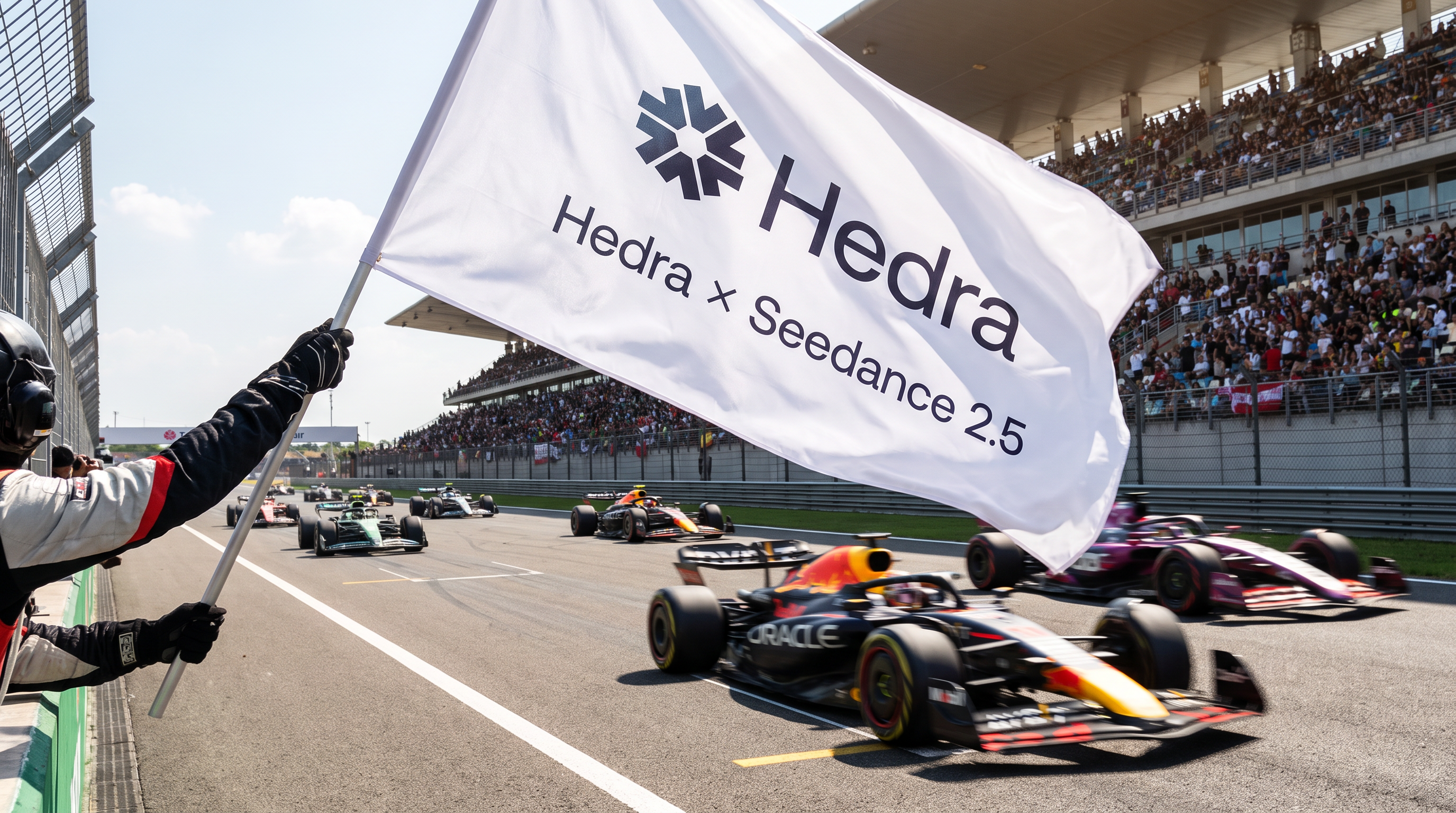
Seedance 2.5 is live on Hedra
Seedance 2.5, the world’s most advanced model is here.480p/720p, 4–30s, native audio toggle, reference media up to 50 files. Includes Auto duration: the model picks the length, you're billed the 30s max up front and refunded the unused seconds on completion.
Seedance 2.5 is slower and more expensive than Seedance 2.0, it is limited to 720p resolution. Despite this, our testing indicates that users will on average receive better results on the first try with the model.
New models are live on Hedra Create and Develop API (and ½ off).
MiniMax H3 — text/image/reference-to-video, now with 4K. We find this to be an excellent daily driver for cost effective generations. We’ve reduced prices by ½ of launch as a promotion on API on the site.
FLUX.3 (Black Forest Labs) — text-to-video, image-to-video, and first-last-frame, with native audio.
Model specific prompting skills built into the Hedra Agent
Video prompting guidance is now per-model — Seedance 2.0, Seedance 2.5, and MiniMax H3 each get their own prompt authority in the agent, with Seedance 2.5 as the default.
Video generation improvements
Duration is a scrubber, not a long dropdown. Seedance 2.5 gets an Auto/Custom toggle.
Reference audio and video that exceed model limits get an alert and a per-clip trim instead of a hard failure.
Removed the 1.2 MP cap on start-frame uploads; large image attachments no longer blow up memory in the agent.
Videos download through the browser's native download instead of an in-app path, making downloads faster and more reliable.
Supplying audio to a model with no audio input is rejected up front with a clear reason.
Errors and moderation
Backend failure remedies now reach the client as structured reason codes, so error messages say what to do.
Model refusals from upstream providers are now clearly communicated to the users.
Visual Skills
Assets in skills: a skill body can rewith [[asset:…]], and those assets arereadable by anyone the skill is shared with.
Skill editor is now a chip-aware editrence, add assets from the librarypicker, upload, or drag-and-drop; references render as tiles above the instructions and open the asset modal on click.
New video extension skill.
Personal skills dialog in skill creathidden from the catalog; workflow addedas a skill category.
Agent
Edit mode support for Omni Flash, plus an edit card in the agent tool rail.
In app notifications for team joins
In-app notification feed — panel, currently fires on workspace invites and canvas shares.
Billing
Cancel your subscription in-product instead of being bounced to Stripe. Cancel is hidden if you've already cancelled clearing up some confusion
Support-issued credit adjustments now appear in credit history.
Fixed: a late-paid old invoice could temporarily lock accounts.
Spaces
Upload and render progress pushes live to everyone in the room.
A failed node is contained to that instead of taking down the app.
Node state is derived from the generation itself, so nodes no longer get stuck on stale room state.New branding
August 3rd, 2026
Hedra Inference
We’ve launched a prototype of our next-generation VAE, accelerating our in-house and open-source diffusion models by up to 50%.
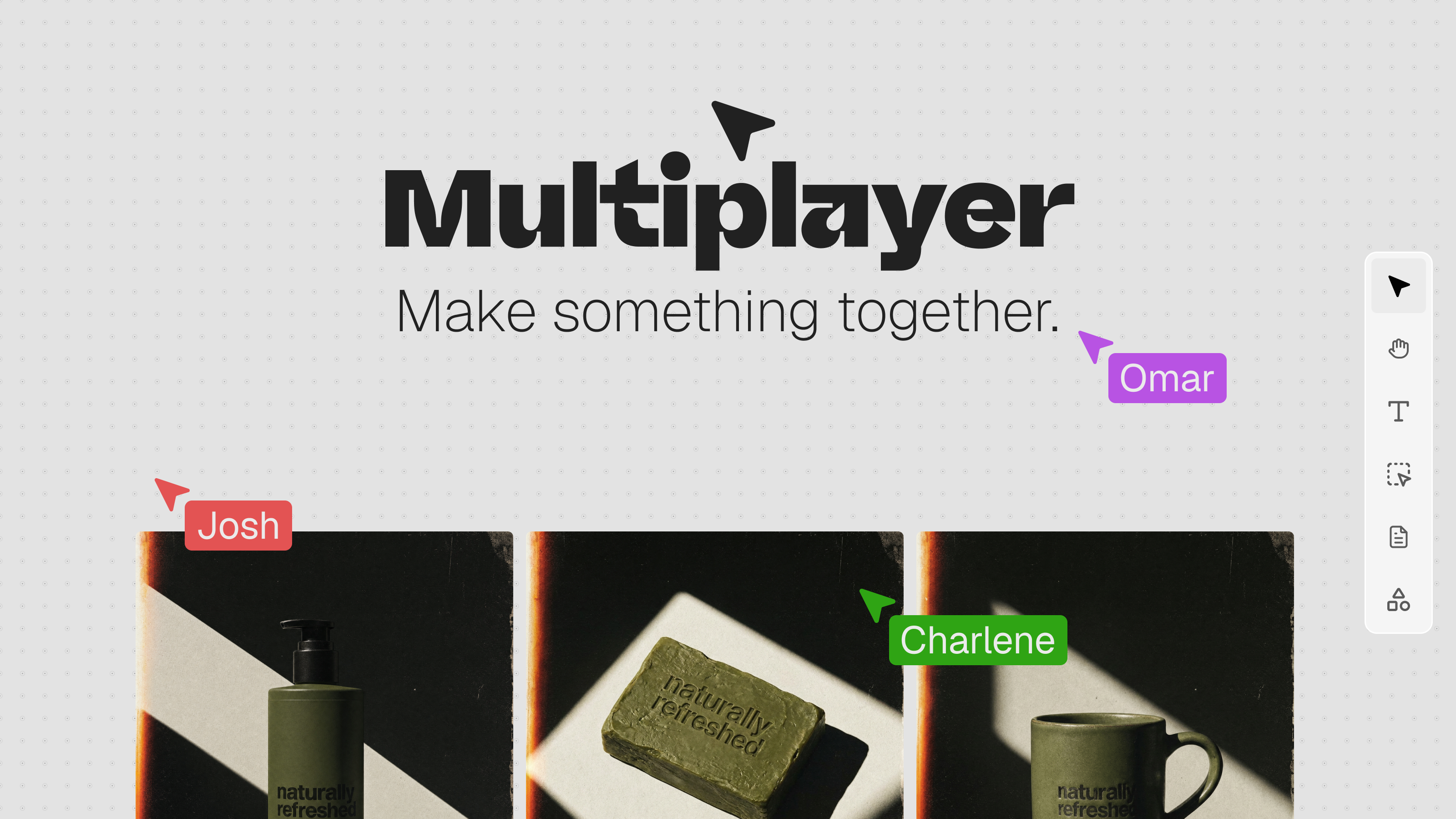
Agent multiplayer
Realtime multiplayer is life, share your Hedra space with your team for realtime collaboration.
Hedra Develop
We’ve launched the world’s most agent- and developer-friendly API for managed image, video, and audio inference. With straightforward USD billing, it’s now broadly available.
We’re rapidly expanding the catalog with the goal of offering the largest collection of visual inference models on the market. If there’s a model you’d like to see, let us know.
Introduced a redesigned, mobile-friendly Developer Console with a new home page, quickstart, model catalog, API key management, billing, and playground.
The playground now builds its controls from each model’s capabilities and accepts pasted or dropped media.
Runs stream into a dedicated Result tab with request previews, validation errors, progress, ETA, outputs, cost, and processing time.
Improved API wallet funding, balance errors, auto-recharge eligibility, and dollar-based usage reporting.
Expanded the API documentation with model artwork, field descriptions, input limits, webhook schemas, signed headers, and structured errors.
Added more reliable webhooks with deduplication keys, redelivery indicators, signed delivery metadata, and a longer retry schedule.
Improved generation status reporting with lifecycle logs, terminal progress, enhanced prompts, output asset IDs, and clearer expired-file errors.
Generation requests now use POST /v3/models/{model}; the older /queue route has been retired.
Public models now use one stable model ID, with mode, quality, and sizing selected through inputs.
API terminology now consistently uses jobs, typed public IDs, UTC timestamps, USD pricing, and structured client errors.
Standardized fields including result_url, modality, start_image, source_video, and image-reference arrays.
Video duration must now be provided when required by the selected model.
Standardized webhook delivery statuses, signatures, retry information, and error envelopes.
New models
Gemini Omni Flash Video
Seedream 5.0 Pro
Ideogram V4
Luma Ray 3.2
Wan 2.7
LTX-2.3 Fast and Pro
PixVerse V6
Vidu Q3
MAI Image 2.5
HiDream O1
Reve 2.1
Qwen Image 2.0
Controls
Added Video Edit mode to Agent.
Expanded reference-media support across Seedance, Kling, Veo, Gemini Omni Flash, FLUX.2, GPT Image, Seedream, Grok, Nano Banana, and Hailuo.
Added reproducible seed controls to more image and video models.
Added negative prompts to 26 supported models.
Added advanced guidance, CFG, and step controls where supported.
Added per-model output selection for PNG, JPEG, and WebP.
Upgraded multimodal prompt enhancement to Gemini 3.5 Flash.
Added per-clip trimming and clearer warnings when reference audio or video exceeds a model’s limits.
Improved multi-speaker Hedra Avatar inputs.
Clarified avatar duration and audio requirements.
Improved aspect-ratio and resolution validation across image and video models.
Retired redundant Nano Banana integrations and VEED Fabric 1.0 Fast where equivalent or better options already existed.
Agent
Studio galleries now show generated media without mixing in uploads.
Fixed Library search so it includes recent and uploaded assets that were previously missing.
Improved reference-media drag-and-drop between Agent, the asset library, Composer, and Canvas.
Agent approval cards now calculate lip-sync costs from the driving audio.
Improved handling for Agent responses that finish after a tool call without additional text.
Moderation messages now distinguish celebrity or likeness restrictions from prompt-language problems.
Added clearer handling for rejected reference media and video moderation failures.
Removed prompt shortcuts that conflicted with text input.
Japanese IME composition no longer conflicts with keyboard shortcuts.
Fixed misleading credit-recovery messaging.
Canvas
Added labeled collaborator cursors.
Improved the mobile toolbar, view switching, navigation, and asset library.
Fixed Canvas dragging the wrong selected asset.
Fixed video flicker when opening and closing chat.
Fixed abrupt Canvas zooming when using Deep Research.
Fixed stale generation states on Canvas nodes.
Failed Canvas chunks are now contained instead of crashing the whole app.
Canvas retry actions now work correctly.
Improved media synchronization as generations cross into the ready state.
Improved reliability when reconciling collaborative Canvas updates.
Assets, playback, and downloads
Image and video downloads now use the browser’s native download flow.
Video downloads use the asset title as the filename.
Restored selectable video-quality controls in Chromium browsers.
Removed the 1.2-megapixel restriction on start-frame uploads.
Reduced memory usage when attaching large images.
Asset details now show creator names.
Asset details now include richer reference-audio and reference-video information.
Improved accessibility labels across asset previews and panels.
Fixed repeated polling of failed videos.
Fixed retries continuing for deleted assets.
Fixed broken video drag-and-drop.
Improved video upload and finalization reliability.
Improved playback and delivery reliability for Mux assets.
Fixed completed Topaz 1080p upscales being lost during finalization.
Improved BytePlus reference-media validation and transcoding.
Improved corrupt-media detection and error reporting.
Added support for additional FFmpeg-compatible video MIME types.
Skills and personalization
Added a dedicated Personalize area for Skills and Connectors on desktop and mobile.
Public skills can now be cloned.
Private skills can be renamed and edited more reliably.
Added workspace skill sharing, publishing, activation, and team catalog support.
Added the Skill Builder public skill.
Added an Agent tool for creating skills.
Added a public multi-shot video workflow.
Added workflow as a recognized skill category.
Improved skill thumbnails and catalog presentation.
Improved connector discovery and prompt-menu selection.
Improved mobile connector management.
Hidden utility skills no longer appear in the public catalog while remaining visible when used.
Billing and account experience
API credit-pack customers can enable auto-recharge using the card saved at checkout.
Subscription cancellation screens now show the scheduled end date.
Corrected displayed and charged prices for audio generation.
Corrected avatar estimates to use the actual audio duration.
Corrected pricing for Grok video, Sora 2 Pro, Flux.2, and several image models.
Improved insufficient-balance errors so they identify which wallet needs funding and where to add funds.
Improved Developer Console usage and billing charts.
Improved user name synchronization.
Workspace invitations now retain information about who sent them.
Fixed API-key permission and rotation behavior.
Reliability, accessibility, and performance
Improved retry behavior for transient failures from Gemini Omni Flash, Together, Topaz, BytePlus, and other providers.
Fixed multiple image and video models that were sending incompatible provider parameters.
Invalid inputs are now rejected earlier with clearer, field-specific messages.
Terminal generations no longer display stale ETAs.
Improved application recovery when a lazily loaded page fails.
Reduced unnecessary errors caused by deleted assets.
Improved app-home performance, particularly on mobile.
Improved marketing-site and blog loading performance.
Improved dark-mode model artwork and catalog contrast.
Kept video controls accessible on short browser windows.
Improved accessibility across asset panels and preview surfaces.
Added a useful route back home from the 404 page.
July 21st, 2026
Faster Media Delivery (CDN)
All generated images, videos, and audio files are now served through a global CDN (CloudFront) at full quality, delivering content faster to users worldwide regardless of location.
Faster image downloads — full-resolution image downloads now served via CDN with proper formatting
Faster video downloads — video downloads delivered via CDN with correct media types
Faster video streaming — videos now stream via adaptive HLS for quicker playback start, with native Safari HLS support
Faster homepage loading — homepage assets and thumbnails served from Cloudflare with optimized resolution and preconnect hints
Smarter image sizing — the website now requests appropriately-sized images per device, reducing bandwidth and load times without visible quality loss
New Skills & Connectors Page
Public skills catalog — a curated library of skills is now available directly on the homepage, with highlighted sections and category browsing
Redesigned command menu — the slash-command skill menu has been redesigned for easier discovery and activation
Skill activation indicator — when a skill is active in your agent chat, you'll see a visual indicator and can click to view details
Skills in spaces — skills can now be used in spaces with an improved selection experience
Improved connector menu — the MCP connector selection menu has been improved directly from the prompt box for a smoother experience
Skill editing — skills can be renamed, edited, and managed with auto-normalized names and accent-colored cards
Higher Quality & Faster Images
New image models
Seedream 5.0 Pro — new high-quality image generation model
Image quality improvements
WebP optimization — large images are automatically recompressed to WebP for faster loading and uploads
AVIF support — AVIF image uploads now accepted and converted for provider compatibility
Cloudflare Images CDN — all images served through Cloudflare Images with automatic format negotiation and caching
Faster page loads — lazy-loaded media players, asset dialogs, and deferred network queries on the homepage
Higher Quality & Faster Video
Mux Plus video quality
Higher-quality video delivery — videos are now delivered through an upgraded Mux Plus pipeline for better visual quality, this should match the rate used on Netflix/Youtube
Video streaming & playback
MSE-based playback — smoother streaming with Media Source Extensions
Native Safari HLS — Safari now uses its native HLS engine for better compatibility
Improved video downloads — cleaner download variant handling with CDN delivery
Higher Quality Audio Across All Avatar Models
ElevenLabs v3
Speed and stability controls now exposed in the audio asset details
Hedra Avatar audio improvements
Full source audio sent to avatar inference — avatar models now receive the complete source audio for more accurate lip-sync
Audio-driven duration — when duration is missing, avatar generations automatically default to audio-driven timing
Kling O3 audio
Native audio input — Kling O3 models now accept audio input directly for audio-driven video generation
Studio / Canvas Improvements
Unified create panels — video, image, and audio creation panels now share a consistent design with shared primitives, accessible from the right sidebar
Rerun quick actions — quickly re-run any image, video, or audio generation from the canvas contextual toolbar
"Create speech" renamed — the canvas audio widget now says "Create speech" for clarity
Improved drag-and-drop performance — smoother canvas interactions
Agent Improvements
Collapsible agent widget — minimize the agent chat to a compact widget when you need more screen space
More reliable streaming — the agent now reconnects on mid-stream errors instead of failing
Tool call visuals — improved rendering of tool calls including skill activation indicators
Safari support — agent now works correctly with Safari's idle callbacks
Faster skill loading — public skills served from a database-backed catalog cached per pod for instant access
July 3rd, 2026
Please subscribe at hedra.com/app/changelog to follow our latest updates via email.
Spaces & collaboration
Share your canvases
with a link so others can view (and sign in to do more).
when you’re on a shared canvas — progress shows up for everyone in the room.
Richer image and video tools in Spaces
redesigned image generation, including on mobile, with better reference-image handling and quick results in chat and assets.
generate and upscale video from the canvas, including “edit this video” from chat context.
Drawing on canvas
moved to a new engine (tldraw) for smoother drawing and layout.
Canvas bug fixes
transparent images display correctly, videos play and drag properly, failed generations can be retried, and shared canvases handle permissions more gracefully.
────────────────────────────────────────
Hedra Agent
Clearer approval flow
when the agent asks to generate something, you can add or remove reference images before approving.
Batch approvals work better
settings apply consistently across multiple pending generations.
Less noisy “thinking” UI
status updates are calmer and easier to follow.
Better errors
if a message fails to send, you get a clear error and can retry.
More reliable runs
fewer stuck “Preparing…” states; denied or blocked actions resolve cleanly instead of hanging.
────────────────────────────────────────
Sign-in & account
Invite links
team invitations work through the new auth flow.
────────────────────────────────────────
Studio, library & creating
Faster, smoother asset grids
images, video, and audio load more reliably with live status as things generate.
Studio layout improvements
more consistent grids and thumbnail loading across image, video, and audio.
Library projects
organize work into projects on the library page.
Elements
when creating an element, you can pick from images you’ve already made in Hedra.
Video composer fixes
Timeline editing is less flickery, playback is more responsive, and keyboard shortcuts (like spacebar) behave correctly.
────────────────────────────────────────
Mobile & navigation
Redesigned mobile navigation
Improved mobile homepage and canvas tools (including a mobile-friendly image generation drawer).
• cleaner tool navigation on desktop (Help & Support is back in the rail).
────────────────────────────────────────
Clearer credit messaging
in-chat notices when you’re running low
────────────────────────────────────────
Video, image & audio quality
Under the hood (you’ll feel it, not see it)
• Generations and uploads fail less often and report errors more clearly.
• Shared links and permissions work more consistently.
• The agent is less likely to burn credits on runs you can’t afford.
• Overall stability and speed improvements across the app.